
No products in the cart.
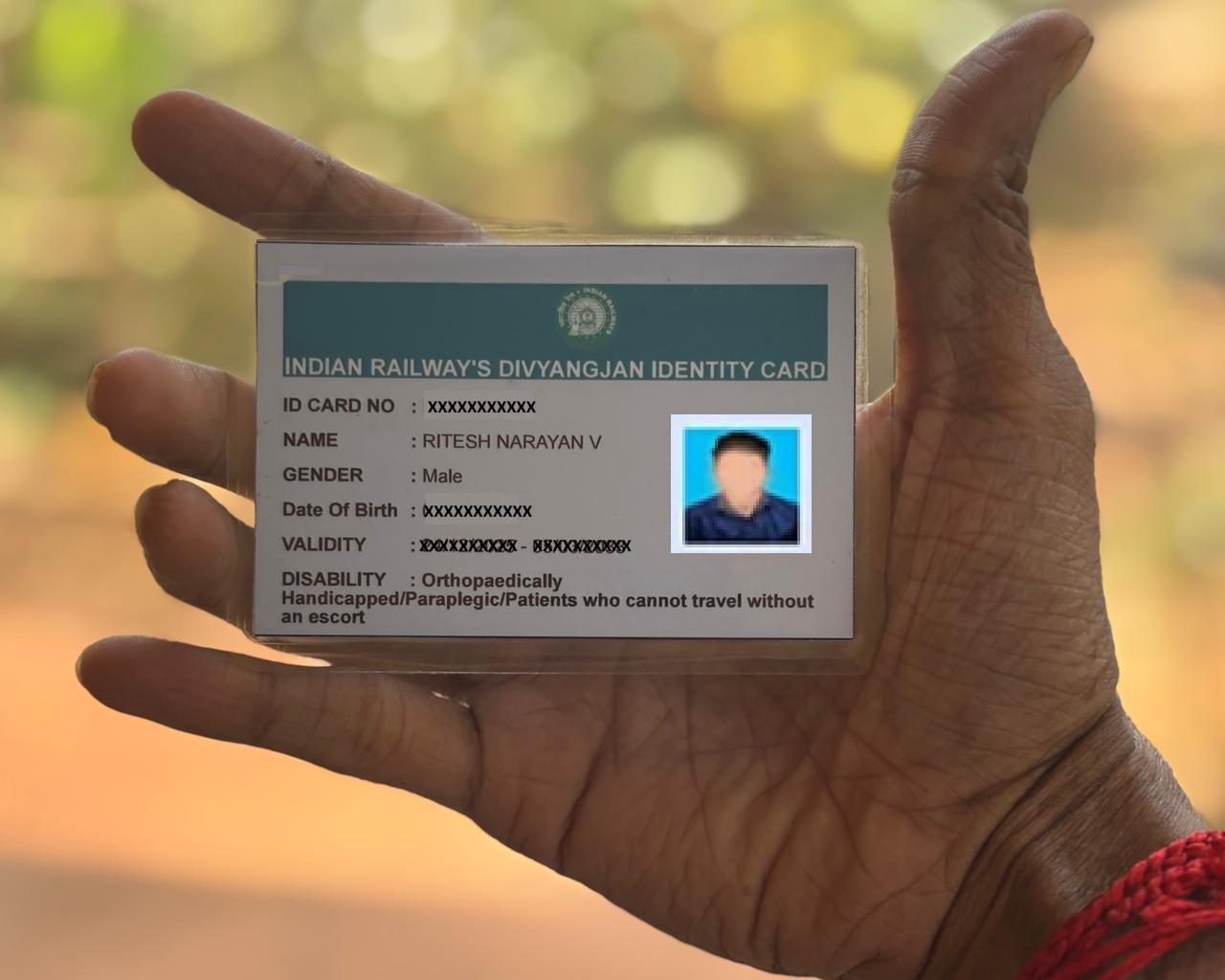
GET YOUR DIVYANGJAN RAILWAY CARD
How to Apply for the Disability Railway Concession Card (“Divyangjan Card”)
Are you a person with a disability looking to avail concessions on railway tickets? The Divyangjan Rail Concession Card by Indian Railways makes it easier to access eligible fare concessions during train travel across India
Last month, I got my “Divyangjan Railway Card” through the online portal, and it was a very smooth and accessible process. The entire system is designed to be user-friendly, making it easier for persons with disabilities to avail railway concessions without unnecessary hassle.

Here’s a simple, step-by-step guide to help you apply.
Step 1: Download the Concession Certificate
Before applying, make sure you have:
– A valid Disability Certificate, or
– A UDID (Unique Disability ID) Card issued under the Department of Empowerment of Persons with Disabilities
Next, download and print the Concession Certificate for Persons with Disabilities (Divyangjan) from the official portal (dowload link).
Step 2: Get the Certificate Certified
Visit your nearest:
– Community Health Centre (CHC), or District Hospital
– Carry your Disability Certificate or UDID Card and get the Concession Certificate certified by a Medical Officer.
This certification is mandatory for the next step.
Step 3: Apply Online

Once your documents are ready:
Visit the official Divyangjan Railway Concession portal (Portal link).
Fill out the registration form carefully. Refer: User Manual .
Upload the required documents:
- Disability certificate issued by the Govt Doctor/Govt Hospital
- Certified Railway Concession certificate
- Passport size photo
- Date of Birth Proof
- Photo Id Proof
- Address Proof
- Self-verification is mandatory, the Applicant is required to upload self attested soft copy of all the documents
- Editing of any details is not permitted, so before submitting the online card application, please verify all the entered information for correctness. Once submitted, the details cannot be edited.

After approval of card, applicant can view and download the card after logging in
with the registered mobile number and print the generated card.
For any grievances, user may register their complaints at https://pgportal.gov.in/
or using the feedback form available in user profile option (besides the logout
button).
Source : https://beingritz.home.blog/2026/02/18/get-your-divyangjan-railway-card/

